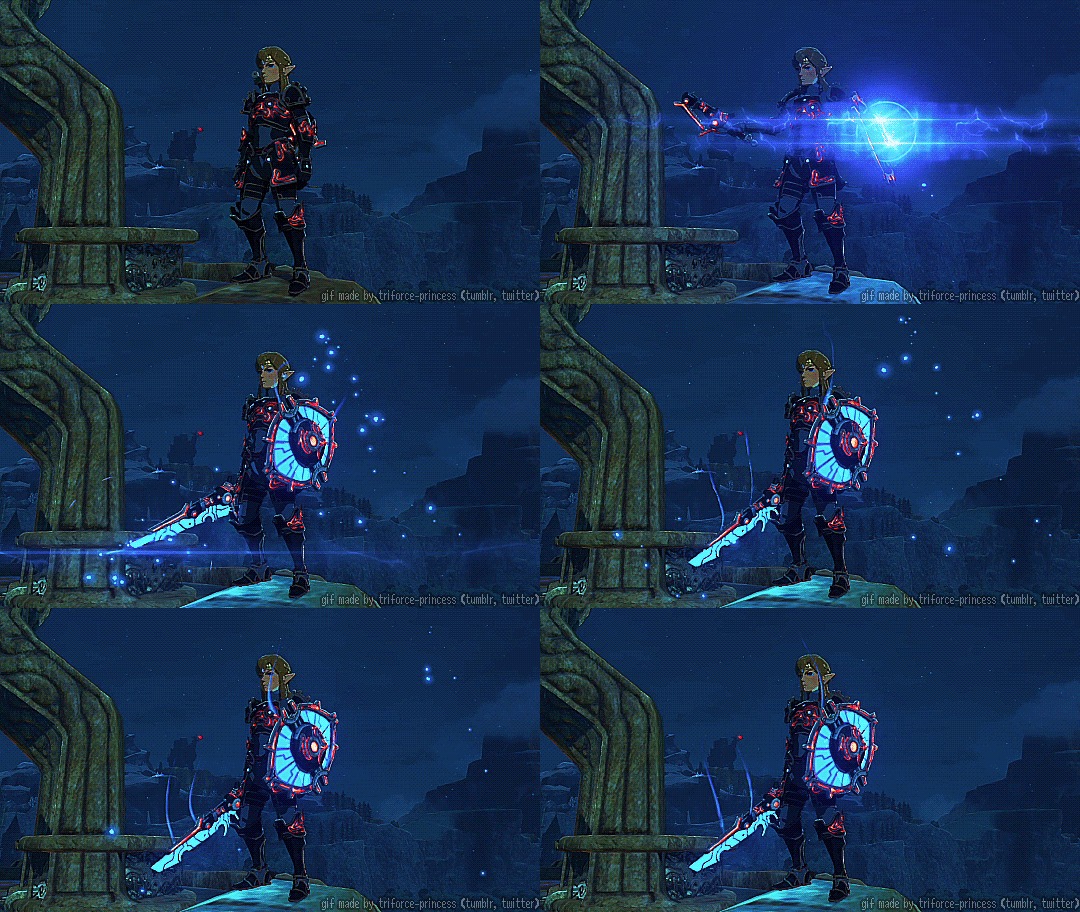
Link in ancient armor under a starry night sky

Custom Weapons

Design a personal weapon on the dashboard — once it's approved, your OC pays the village blacksmith to forge it.

Custom Weapons on the Dashboard

Three tabs · one OC · save your Weapon ID

Custom weapons are personal gear for your OC — swords, spears, bows, and more. You pick a base pattern from the catalog, add your own name, lore, art, and stats, and staff review the design before the village blacksmith forges it.

Everything happens on the Custom Weapons dashboard page. Log in → CommunityCustom Weapons.

Read this first

  • Pick your OC carefully — only the character who submits can ever order from the smith. You cannot switch to an alt later.
  • Save your Weapon ID when you submit (e.g. W373871). You need it if you ask staff for help.
  • Nothing costs items at submit — Blueprint Voucher, Star Fragment, and materials are paid at the Village smithy step only.
  • Stock the submitting OC's inventory — stamina, materials, voucher, and fragment must be on that character, not another OC's.
  • One forge per design — each Weapon ID can only be completed once. The finished weapon stays on that OC (no sell, trade, or transfer).

Quick reference

  • WhereDashboard → Community → Custom Weapons
  • Job neededNone — no Blacksmith job or job voucher
  • Pay at submitNothing — voucher, fragment, and materials come later
  • Pay at smithyStamina + recipe on your armory card (always includes Blueprint Voucher ×1 and Star Fragment ×1)
  • Who ordersThe submitting OC only, once, after approval
  • CooldownNone

How It Works

Submit → wait for approval → pay the village smith

  1. Submit your design

    Open the Commission tab. Fill every field, upload a reference image, and press Submit commission. Copy your Weapon ID — your armory card will show In the furnace while staff review it.

  2. Wait for approval

    When staff approve your design, the armory card changes to Ready for smith and lists exactly what your OC must pay. You may get a Discord DM or Community Board post with the recipe.

  3. Pay the village smith

    Open Village smithy, load the submitting OC's inventory with everything on the checklist, and press Commission the blacksmith when every line is green. The weapon goes to that OC's inventory and the armory entry clears.

Armory log statuses

StatusWhat it means
In the furnaceStaff are reviewing your design — wait here before visiting the smithy
Ready for smithApproved — gather supplies and open Village smithy (or tap Visit the smithy → on the card)
Gone from armory logThe smith finished — check that OC's inventory for the weapon

Tab 1 — Commission

Where you submit a new design

This is the only place you create a new custom weapon. Take your time — the commissioning character and weapon name are locked in for the rest of the process.

  • Commissioning character — the OC who will own and order this weapon
  • Weapon name — must be unique; max 80 characters (the form may label this *Blade name*)
  • Base pattern — catalog template; the dropdown shows handedness, subtype, and base ♥
  • Handedness1h or 2h; defaults from the base you pick
  • Subtype — e.g. sword, spear, bow — from the weapon list
  • Elementnone, fire, ice, electric, or tech
  • Modifier — 1–4 (♥ hearts on the finished weapon)
  • Lore & design notes — what staff read when reviewing
  • Weapon reference — required image; becomes the item art
  • After Submit commission → you get a Weapon ID and land on Armory log

Tab 2 — Armory log

Track everything you've submitted

Every commission you've submitted appears here with its art, Weapon ID, character, stats, and status.

  • In the furnace — still waiting on staff; do not visit the smithy yet
  • Ready for smith — approved; the card shows stamina and materials your OC needs
  • Visit the smithy → — shortcut to the smithy tab for that weapon
  • If a commission vanishes from this list after you ordered, check that OC's inventory — the smith already delivered it

Tab 3 — Village smithy

Where you pay and receive the weapon

Only weapons with status Ready for smith appear here. There is no character dropdown — the order belongs to whoever submitted.

  • Each order shows the weapon name, Weapon ID, and locked commissioning character
  • The supply checklist compares the recipe to that character's inventory live
  • The Commission the blacksmith button stays grey until every checklist line is green
  • On success → items and stamina are spent, the weapon is added to that OC, and the armory entry disappears

Checklists

Use these before you submit and before you press Commission the blacksmith

Before you submit

  1. Logged into the dashboard
  2. Picked the commissioning character — the OC who will own this weapon forever
  3. Chose a unique weapon name (max 80 characters)
  4. Selected a base pattern, handedness (1h or 2h), subtype, element, and modifier (1–4 ♥)
  5. Wrote lore & design notes (up to 2000 characters)
  6. Uploaded a weapon reference image (PNG, JPG, or WebP)
  7. Pressed Submit commission and saved your Weapon ID

Before the smithy

  1. Armory card says Ready for smith (not still In the furnace)
  2. Using the same OC who submitted — the smithy tab locks to them automatically
  3. That OC is not jailed
  4. Enough stamina on that OC (amount shown on your armory card)
  5. Every material on the recipe — on that OC's inventory
  6. Blueprint Voucher ×1 on that OC's inventory
  7. Star Fragment ×1 on that OC's inventory
  8. Every line on the supply checklist is green, then press Commission the blacksmith

Troubleshooting

Common problems and what to do

I can't find my character in the dropdown

Only your OCs appear. Pick the one who should own this weapon — you cannot change this later.

Weapon name already taken

Pick a different name. Another commission may already use it.

Handedness mismatch warning on the form

Pick a handedness the base pattern supports, or choose a different base. Add a note in lore if your design needs something unusual.

Still "In the furnace" for a long time

Staff may be busy. Ask in a mod channel with your Weapon ID. Do not submit the same design again.

Village smithy tab is empty

Nothing is approved yet, or you already forged everything. Check Armory log — you need Ready for smith first.

Only {Character} can commission this weapon

You must use the OC who submitted. Alts and friends' characters cannot order it.

Commission the blacksmith won't click

Read the supply checklist line by line. Move Blueprint Voucher, Star Fragment, materials, and recover stamina onto the submitting OC until every line turns green.

Missing Blueprint Voucher or Star Fragment

They must be on the commissioning character's inventory, not yours or another OC's. You pay at the smithy, not at submit.

Missing materials or stamina

Open your Armory log card for the exact list. Gather everything onto the submitting OC before trying again.

Character is jailed

Resolve jail status on that OC first.

My commission disappeared from the armory

A successful smithy order removes the entry. Check that OC's inventory — the weapon should already be there.

Something went wrong / not configured for crafting

Contact staff in a mod channel with your Weapon ID.