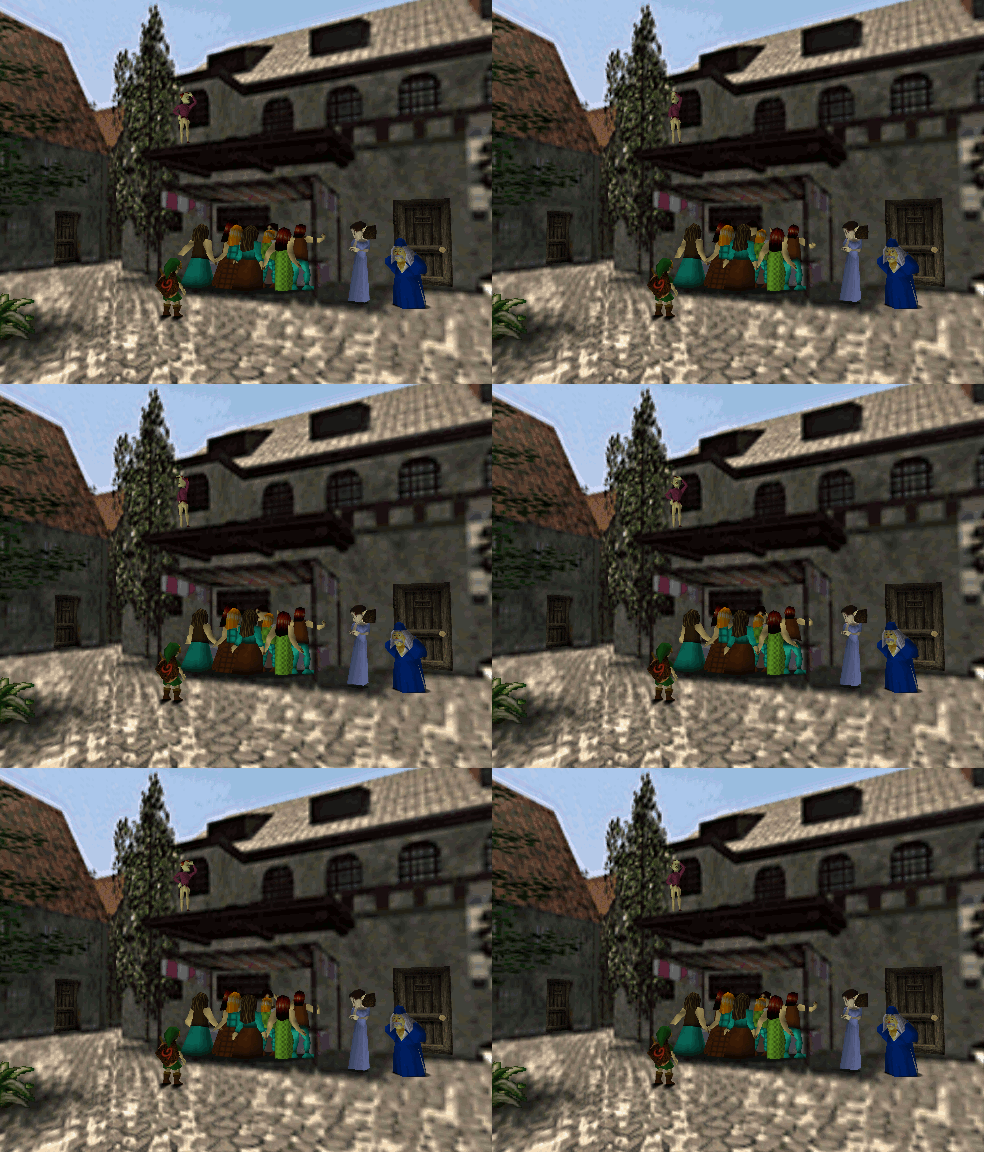
Hyrule Castle Town market in Ocarina of Time

Job Perk: Vending

Active job perk for Shopkeepers and Merchants — run a player shop on the Tinglebot Dashboard and trade goods, tokens, and art.

What Is Vending?

Player-run shops on the dashboard — Shopkeeper & Merchant

Vending is an active Job Perk for Roots of the Wild. Hyrule does not use normal currency in-world — vendors trade goods, services, and favors instead. Player-run shops on the dashboard replace the old NPC village shops.

If your character needs gear or materials, they visit another player's shop — or run one of their own. Manage everything at Community → Vending on the Tinglebot site; advertise in #marketplace on Discord.

Open the live shop UI on the Tinglebot Dashboard.

Jobs with this perk

  • Shopkeeper
  • Merchant

Quick reference

  • Jobs: Shopkeeper or Merchant only — VENDING perk
  • Dashboard: Community → Vending — not a Discord slash command
  • Shop stock is separate from personal inventory — merchandise is not free to pull back out
  • Monthly credit: 500 vending points per vendor OC per month — bank unused points across months
  • Claim & guild restock window: Days 1–5 each month (America/New_York / Eastern US) — sell and buy from listed stock anytime
  • June 2026 rollout: Credit and guild restock are open all month for that period only
  • Prices required: Every listed item needs at least one of token, art, other, or barter open before buyers can purchase
  • Own-shop buys: Any OC on your Discord account buying your shop pays catalog sell price in tokens only
  • Job change: Leaving Shopkeeper/Merchant clears shop setup, points, pouch, and listings

Manage your shop

Your shops → Manage shop & stock

Browse all shops

All shops

Handle art / barter / other

Pending requests

Claim monthly points

Your shops → Claim 500 pts (days 1–5)

Upgrade pouch

Your shops (site tokens)

What Vending Does

Player-run commerce on the dashboard

Vendors buy guild stock with monthly shop points, set their own prices, and sell to other players. Valid payment types: goods (barter), member tokens, and member art. Unusual compensation needs mod approval first.

  • Token buysdeducted immediately; item goes to the buyer's inventory
  • Art / barter / otherbuyer sends a request; stock moves only after the seller accepts
  • Shop points are not site tokens — pouch upgrades use site tokens instead
  • You may save shop points month to month — spending all 500 is not required

Monthly Vending Cycle

Days 1–5 · Eastern US timezone

  1. 1Collect 500 point credit — once per vendor character per calendar month
  2. 2Restock from monthly supply — village stock and limited stock (list changes each month)
  3. 3Set prices on anything you want to sell
  4. 4Advertise — shop link or #marketplace
  • Outside days 1–5 you can still sell listed stock and buy from other shops
  • You cannot claim new points or buy new guild supply until the next window
  • June 2026 is open all month for the late vending rollout — from July 2026 onward, only days 1–5 apply
  • Timezone in code: America/New_York (Eastern US)

Dashboard Tabs

Community → Vending

Open https://tinglebot.xyz/community/vending (or Community → Vending from the dashboard nav). The site checks job, village, inventory, slots, and payment type before completing a sale.

  • Your shopsmanage vendor characters, claim points, pouch upgrades, and stock
  • All shopsbrowse and buy from every set-up player shop
  • Pending requestsart, barter, and other sales waiting on buyer or seller action

Before You Start

Vendor and buyer checks

  • Vendor jobAccepted Shopkeeper or Merchant with a shop name saved
  • Monthly restockMust be the claim window and you must claim 500 points first
  • Guild purchaseEnough shop points and free shop slots
  • Pouch upgradeEnough site tokens (Bronze 1,000 → Silver 5,000 → Gold 10,000)
  • BuyingCorrect village rules for Shopkeeper vs Merchant (see comparison table)
  • ListingAt least one price on every item shoppers should see
  • BlockedWrong job, no shop name, outside claim window, no slots, no price, wrong village, out of stock, insufficient tokens/barter items, seller accepted too early

Shop Slots & Pouches

Shelf space and upgrades

  • Stackable items — up to 10 per slot by default (or item maxStackSize); overflow uses another slot
  • Non-stackable items (weapons, armor, etc.) — 1 item = 1 slot
  • Shopkeeper5 starting slots · Merchant3 starting slots
  • Bronze pouch+15 slots · 1,000 site tokens
  • Silver pouch+30 slots · 5,000 tokens (requires Bronze)
  • Gold pouch+50 slots · 10,000 tokens (requires Silver)
  • Pouches replace the previous tier — they do not stack (e.g. Shopkeeper + Bronze = 20 slots total)
  • If the shop is full when the monthly window opens, buy new guild supply only after you free space

Shopkeeper vs Merchant

Home-tied vs traveling vendor

Simple version: Shopkeepers are tied to home. Merchants go where the buyer is.

Shopkeeper Merchant
Starting slots53
Sell while away from homeNo — must be in home village to sellYes — while in the same village as the buyer
Buyer location (Shopkeeper)Buyer must be in vendor's home village (and vendor must be home to sell)
Buyer location (Merchant)Buyer must be in the same village as the Merchant
Guild restock locationHome village onlyCurrent village (travel to buy other villages' lines)

Village Level & Guild Stock

Village supply vs limited pool

  • Tier 1village supply rarity 1–3
  • Tier 2rarity 1–6 · 10% off guild point costs when the village qualifies
  • Tier 3 (topped off)rarity 1–10 · 20% off when the village qualifies
  • Limited supplynot capped by village tier; any rarity; shared until depleted
  • Shopkeeper guild buys — only while in home village
  • Merchant guild buys — from the village supply list where they currently are (can travel to restock elsewhere)

Effective vending tier follows village upgrade rules — structural Level 3 without being topped off may still use mid-tier stock limits. See Village Upgrades.

Buying From Your Own Shop

No free stock — catalog price in tokens

You do not get free access to your own merchandise. If any character on your Discord account buys from your vendor shop:

  • Payment must be tokens only
  • Price is the item's official ROTW catalog sell pricenot your listed shop price
  • Applies even if you use a different OC on the same account
  • All sales must be tracked fairly like any other transaction

Art, Barter & Other Payments

Pending requests flow

  • Art (buyer)Create art at the listed price → post in ROTW #submissions → wait for mod approval → seller accepts with the permalink to the approved post
  • Art (seller)Do not accept until the submission is mod-approved
  • BarterBuyer selects items and quantities from inventory when sending the request; trade completes on accept
  • OtherWhatever the seller wrote in the price field — agree in RP/Discord; seller accepts when terms are met
  • Either party can Cancel while the request is still pending

Vending Boosts

From accepted Stealing-category boosts on the dashboard

Accepted Vending boosts from /boosting modify monthly points, restock timing, or guild purchases.

  • Entertainer — Song of TimeCollect vending points and buy guild stock any time during the month (not only days 1–5)
  • Priest — Blessed Restock+20 bonus points when collecting monthly credit (500 → 520)
  • Teacher — Efficient Haggling20% fewer vending points on one guild restock (rounded up after discount)
  • Fortune Teller — Reserved FortuneOnce per boost, buy one sold-out limited guild item (quantity 1)
  • Scholar — Demand ForecastRecommends a rare, in-demand item to prioritize when the guild stocks it

Shop Workflows

Setup, monthly restock, and buying — step by step

All three flows run on the dashboard. Token purchases complete instantly; art, barter, and other payments use Pending requests.

First-Time Shop Setup

Community → Vending → Your shops on the dashboard

  1. Pick your Shopkeeper or Merchant character
  2. Enter a shop name (required)
  3. Add an optional banner image URL and shop description
  4. Save — when it says Shop ready, open Manage shop & stock

Monthly Shop Run

During the days 1–5 claim window (or all of June 2026 for rollout)

  1. Press Claim 500 pts on your vendor card
  2. Open Manage shop & stock — buy village supply and/or limited supply with shop points
  3. Set token, art, other, and/or barter prices on each listing
  4. Optionally list items from your personal inventory into free slots
  5. Share your shop link or post in #marketplace
  • Village supplyfiltered by your village's vending tier and your job line
  • Limited supplyshared rare pool, first come first served, any rarity
  • Personal listings cannot be removed except by someone buying them

Buy From a Player Shop

Community → Vending → All shops on the dashboard

  1. Open the shop you want
  2. Choose which of your characters is buying at the top of the page
  3. Find the item, set quantity, and pick a payment tab
  4. TokensBuy with tokens completes immediately
  5. Art / Other / Barter — fill in the request and wait for the seller under Pending requests

What Happens When a Sale Works

Token vs request completion

  • Token buyTokens deducted · item added to buyer inventory · shop stock reduced
  • After seller accepts art/barter/otherRequest marked complete · stock reduced · item added to buyer inventory
  • BarterOffered items leave the buyer's inventory as part of the trade
  • Job changeLeaving Shopkeeper or Merchant wipes shop setup, points, pouch tier, and all listings

Common Problems & Fixes

When claim, restock, or checkout fails

Cannot claim 500 points

Check days 1–5 (or June 2026 rollout month), whether you already claimed, and that your shop is set up.

Cannot buy monthly guild supply

Same 1–5 window. Check shop points, free slots, village rules (Shopkeeper must be home), and that stock exists for your job line.

Item says no price listed

Seller must set token, art, other, or barter open before buyers can purchase.

Cannot buy from a shop

Check Shopkeeper vs Merchant village rules, stock, and that you picked a buying character at the top of the shop page.

Request stuck on pending

Seller has not accepted — or buyer has not finished art, barter goods, or other terms.

Seller cannot accept art request

Link must be the buyer's mod-approved #submissions post — not a draft or pending submission.

Shop is full

Sell items, upgrade your pouch, or wait for space before buying more guild supply.

Tried to pull a personal item back out

You cannot. Someone must buy it — including you, at catalog sell price if it is your account.