Silent Princess flowers in Hyrule

Character Creation Guide

From reservation to approval — everything you need to create and play an OC in Roots of the Wild.

At a Glance

Setting, prerequisites, and where to start

Your OC in Roots will be a villager in one of the three established villages: Rudania, Inariko, or Vhintl. Traditionally, your character was born and raised there, as roads only opened briefly two years ago. Though they were closed again for several months as blight surged, they've been cleared again and are currently open.

Jobs can include village essentials like herbalism, hunting, and farming — or cultural specialties like researchers in Inariko, blacksmiths in Rudania, and mask makers in Vhintl.

  • Max age300 years, regardless of race.
  • BlightWhat was once known as malice has corrupted further into blight — a contagion covering most areas outside the three villages.
  • Oracles & dragonsNewly arisen oracles of power, courage, and wisdom work with dragons and sages to keep villagers safe. Older koroks may know the dragon Foras, who helped them escape blight-ridden Korok Forest after the Deku Tree passed away.
  • Reclaimed sitesThe Inariko Library, Eldin Mines, and Rudania Hot Springs.
  • New racesKeatons first, then Twili and Mogma most recently.

Roots is lore- and mechanic-rich! Please review the following before creating a character:

Create Your OC

Steps 1–3 before you submit on the Dashboard

Reservation

Claim your character name in Discord

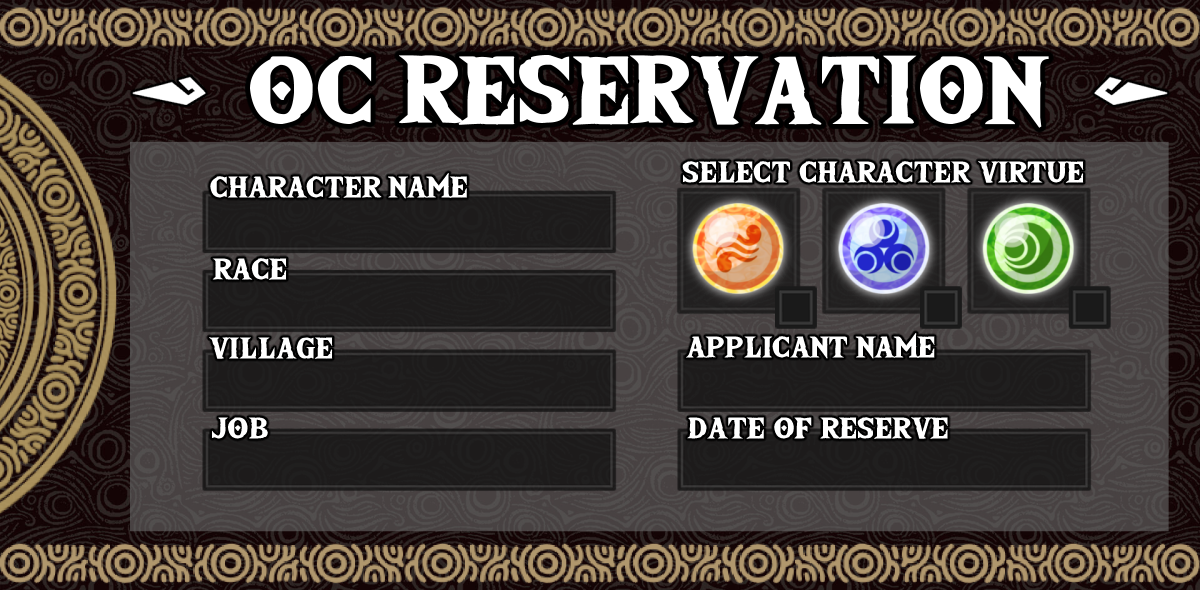
Use the Reservation template below. Once filled out, post it in #roster on the Discord server.

A mod will react with ✔️ if you're good to proceed, or ❌ if alterations need to be made. Once the reservation is accepted, you can work on the application.

OC reservation template
Post this in #roster to reserve your character name.

Application

Village template, art, virtue, and starter inventory

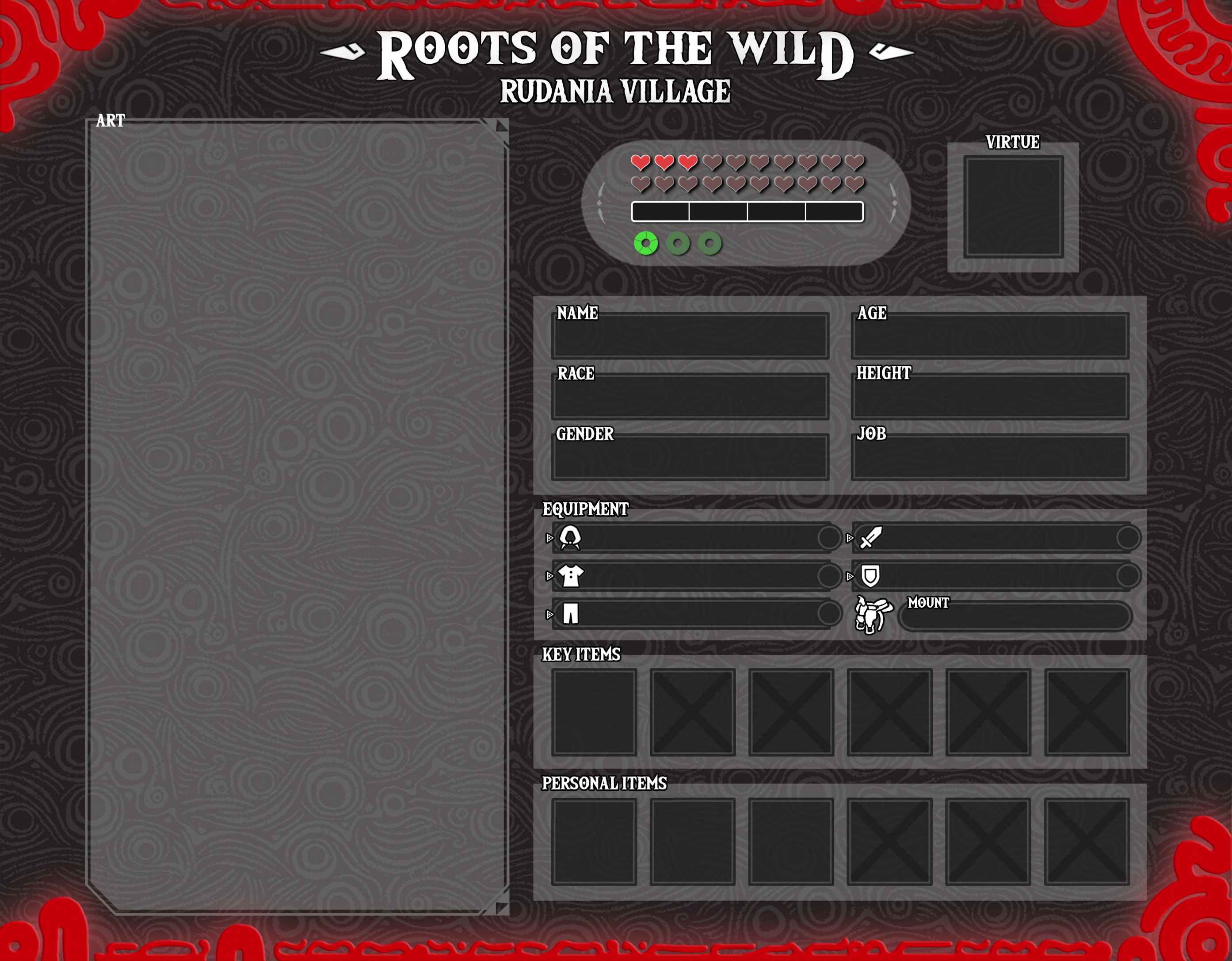
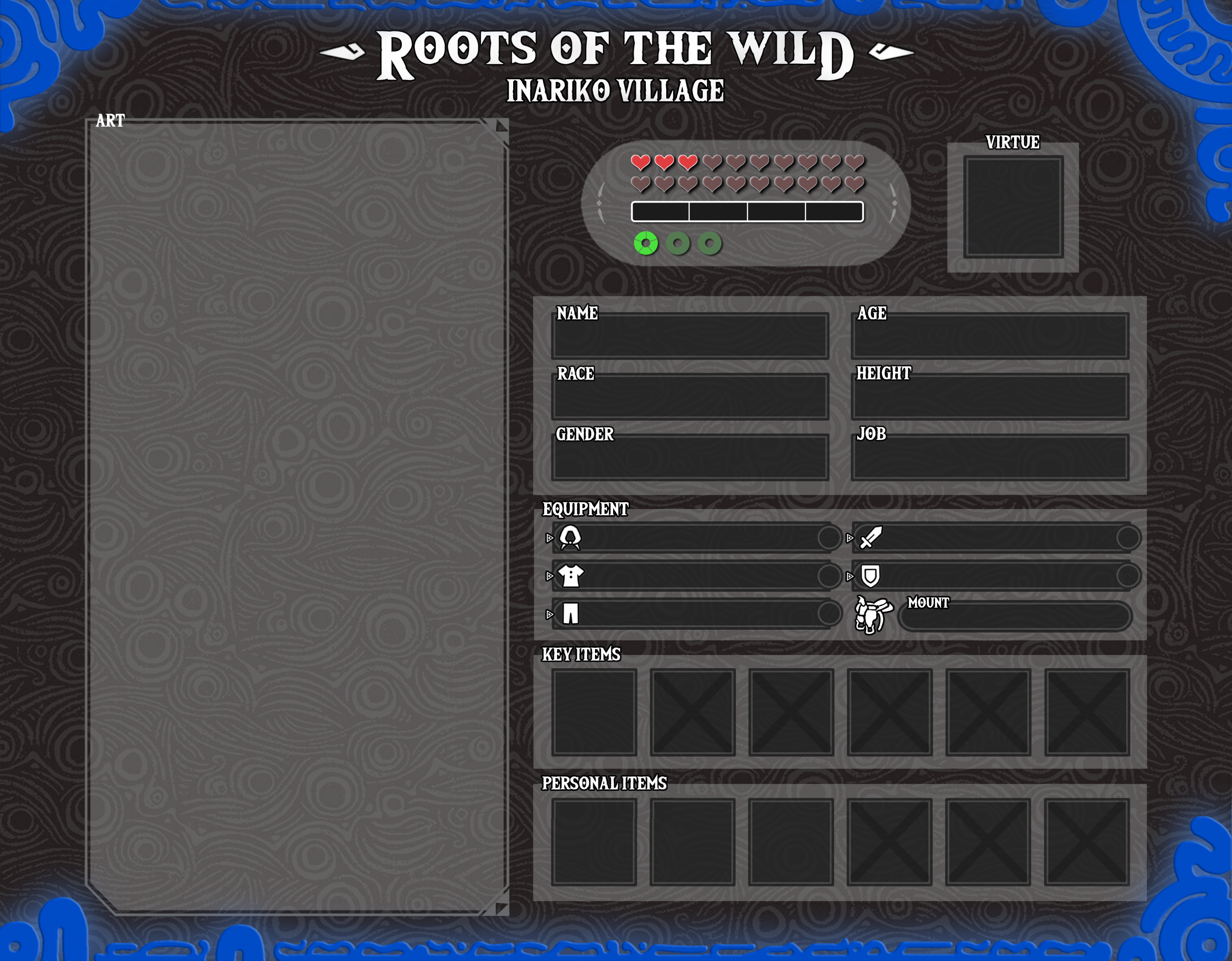
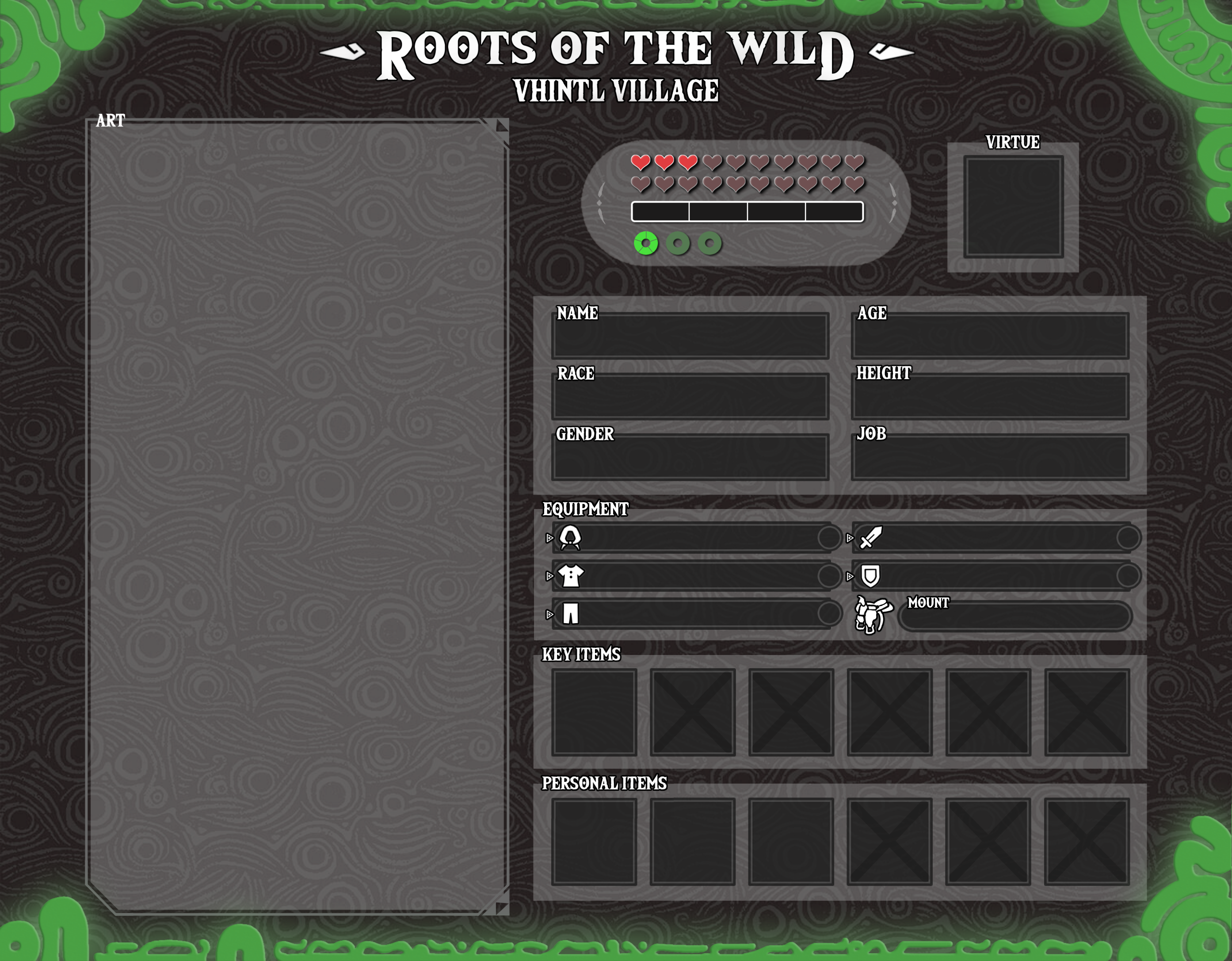
Download the village-appropriate character application below and fill it out (Rudania, Inariko, or Vhintl). Some fields are self-explanatory — name, village, and so on.

NOTE: Please use a light-colored, easily legible font for all write-in information on your apps!

Rudania character application template
Rudania ApplicationDownload PSD
Inariko character application template
Inariko ApplicationDownload PSD
Vhintl character application template
Vhintl ApplicationDownload Template

Click a village template below to open its PSD (or PNG for Vhintl).

Hearts / Magic / Stamina

  • Starting stats3 hearts, 0 magic, and 1 stamina wheel — leave this section as-is on first submission.
  • Stats can increase later through RP and quest rewards.
  • StaminaEach wheel has 5 stamina chunks. Stamina is used for a variety of mechanics in Roots.

Application Art

  • Front-facing full body shot with at minimum clean lines and flat colors.
  • Must be specifically of your character — commissioned art needs artist permission and credit. No doll maker art.
  • Draw in full detail with a pose that doesn't obscure outfit details. Include essential props without covering the OC.
  • Make use of the space — a large reference helps other members!
  • Only the character the app is for — no other characters or children. Pets allowed if not the main focus.
  • Kokiri/Korok fairy companions are allowed.

Triforce Affiliation

Place the symbol of Din (power), Nayru (wisdom), or Farore (courage) in the Virtue box to represent what aspect of the Triforce your character aspires to embody.

Click a symbol below to open its PNG file for your application.

Din — Power
Din · Power
Nayru — Wisdom
Nayru · Wisdom
Farore — Courage
Farore · Courage

Inventory on the App

See the Inventory page for in-game management. On the visual app:

  • WeaponsTwo icon-marked spots for main hand and off hand. Choose a starter main-hand weapon and shield, or a single two-handed weapon. If two-handed, mark shield as none or n/a.
  • ArmorHead, torso, and legs slots. Old Shirt and Well-Worn Trousers are automatically equipped for new characters and must appear on the visual app.
  • MountAfter obtaining one — "Name" Animal Type (basic, mid, or high) — e.g. "Epona" Horse (high).
  • Key ItemsLeave blank — reserved for quest-earned key items.
  • Personal ItemsThree slots for character-important non-combat items (scrolls, mementos, etc.). Not magic items. Quest use may be allowed at mod discretion.

The Biography

Written info to prepare alongside your application

Not everything fits on the application template. Prepare the following for submission. The Tinglebot Dashboard holds all character information — linking an external biography (DA, Google Doc, etc.) is optional but recommended for your own records.

  • NameCharacter name and any aliases.
  • RaceYour character's race.
  • GenderInclude pronouns.
  • AgeCharacter age; long-lived races may note apparent age.
  • HeightImperial and metric — e.g. 5'7" | 174cm (also on the visual app).
  • VillageCurrent village of residence.
  • VirtueWhich Triforce virtue they embody most.
  • JobSelected group job; note personalization (e.g. Craftsman who specializes in glass blowing).
  • InventoryWeapons, armor, and personal items on the app, with explanations if needed.
  • PersonalityCore values, temperament, how they act in different situations — at least five sentences.
  • HistoryInfluential backstory moments — at least five sentences. Note if any info is private to your OC.
  • ExtrasRandom facts, or an inventory doc link if not listed above.

Application Checklist

Review before you submit

Travel Timeline

Before May 2020

Inter-village travel was nearly impossible for a thousand years. One-way past trips possible at mod discretion — extremely dangerous.

May 2020 – Jan 22, 2021

Roads temporarily open and relatively safe (~8 months in-world).

Jan 23 – Jul 22, 2021

All travel impossible — Blight Bloom and lingering effects.

Jul 23, 2021 – Present

Travel to all three villages is currently OPEN.

Before You Submit

  • App text uses a light, easily read font — readable in Discord preview without zooming.
  • Pronouns includede.g. Female | she/her, Nonbinary | they/them.
  • Imperial and metric heighte.g. 5'10" | 1.75m.
  • Read Villages and Races for your OC.
  • Chosen job is on the Jobs list.
  • Understand how Travel works in Roots.

Keep in Mind

  • Villages are small, close-knit communities — no larger than Kakariko or Hateno in BotW.
  • No money or revenue in OC info or history. Hyrule runs on trade and barter. Food, goods, and services are the most valuable material things.
  • ExceptionTwili knew currency in the Twilight Realm but must adapt to barter while living in Hyrule.
  • Medieval fantasy tone — nothing modern. Think LotR-level medieval fantasy.
  • Roots is post-apocalyptic — the world is in chaos, times are hard, and monster attacks are common.

Submit for Review

Create, save, and submit on Tinglebot

Submitting via the Dashboard

Create, save, and submit on Tinglebot

All character creation, editing, and submission is done through the Tinglebot Dashboard.

  • What you needA Discord account, access to the website, and your character information ready.

Getting Started

  1. Go to https://tinglebot.xyz and log in with Discord.
  2. In the navigation menu, click CharactersCreate Character.
  3. Fill out all required fields (see below).

Required Fields

  • NameUnique; cannot change later.
  • IconCharacter picture.
  • AgeNumber (e.g. 18, 27).
  • HeightCentimeters (converts to ft/in automatically).
  • Pronounsshe/her, he/him, they/them, or custom.
  • RaceAutocomplete (Hylian, Zora, Goron, etc.).
  • Home VillageInariko, Rudania, or Vhintl.
  • JobFrom dropdown.
  • Max HeartsStarts at 3.
  • Max StaminaStarts at 5.

Optional Fields

  • Application ArtHighly recommended.
  • Personality & History — At least one required (Dashboard text or external link); both allowed. Optional on the form so you can use external character profiles without duplicating text.
  • Extras, Starting Gear — Weapon, shield (with 1H weapon only), chest, legs. You may start with no gear at all.
  • Application LinkOptional external link (Google Doc, etc.). No longer required, but still supported.

Saving Your Work

You don't need to finish everything at once! Click Create and Save Character to save as a Draft. Edit anytime until you're ready to submit.

Submitting for Review

  1. Confirm all required fields are filled and information is correct.
  2. Open your character page (https://tinglebot.xyz/characters/your-character-name) from your profile or after creation.
  3. Click Submit for Review (visible only for drafts) and confirm — status becomes Pending.

You cannot edit after submitting unless moderators request changes — double-check everything first!

Draft

Saved but not submitted.

  • Edit
  • Save
  • Submit for review

"Save" and "Submit for Review" buttons

Pending Review

Waiting for moderator votes (needs 4 approvals).

  • View only
  • Wait for review

Badge "Pending Review" with vote counts

Needs Changes

A moderator requested changes (1 vote triggers this).

  • Edit
  • Read feedback
  • Resubmit

"Edit Character", "Resubmit", feedback section

Approved

Character is active in the group.

  • View
  • Limited editing
  • Play

Badge "Approved"

What Happens Next

Your character is submitted for moderator review. Updates arrive via Discord DMs from Tinglebot and on the Dashboard. Check your character page for vote counts, feedback, and status.

If Changes Are Needed

  1. Read feedback on your character page (and Discord DMs).
  2. Click Edit Character, fix issues, Save Changes.
  3. Click Resubmit — version increments (v1 → v2, etc.).
Troubleshooting
  • Can't find character?Check your Profile page and Discord login.
  • No Submit button?Save first; fill all required fields; refresh.
  • Can't edit?Draft/Needs Changes: full edit. Pending: read-only. Approved: limited fields.
  • No notification?Discord DMs (allow server members to DM you), notifications, #Sheikah-Slate.
  • No feedback visible?Character page feedback section, Discord DMs, notifications page.
  • Can't resubmit?Status must be Needs Changes; save edits first; refresh.
  • Still need help?Ask in Discord or contact Roots.Admin.

After Approval & Beyond

Discord steps, slots, editing, and NPCs

Acceptance

Final steps after approval

When approved, you'll receive a DM from Tinglebot and a ping in #Sheikah-Slate. Confirm acceptance on the Dashboard, then complete these Discord steps.

  1. Delete your reservation from #roster and upload your completed character app.
  2. Drag-and-drop the app image and include: OC Name | Race | Village | Virtue | Job <Link to OC App> — link in <> brackets, one post only.
  3. Return to #intro and add a link to your OC's app.
  4. Go to #roles and choose your pronouns.
  5. Set your server nickname: Your Nickname | OC Name(s) — e.g. Tingle | Link Zelda Ganon. You don't need every OC listed.

It's OK to ask questions — we're here to help!

Character Management

Slots, retiring, editing, and NPCs

Character Slots

Every member starts with two character slots. Your first character is your MAIN character (determines village role in Discord). There is no cap on total characters if you earn slots — any character can participate in events equally.

Tinglebot stores all character slots on your account. You cannot create a character without a free slot.

Events & Quests

  • Every 10 successfully completed events/quests = +1 slot (Hard Mode Group Memes count).
  • Track completions yourself, then use /quest-turnin in #Sheikah-Slate.

Referrals

  • Refer friends who get an accepted character — earn a slot after 3 months as a full member and passing their first activity check.
  • Invite-only: single-use invites tied to your account. Open enrollment: DM Roots.Admin with who you invited.
  • Referrals can also be handled through the Dashboard (single-use invite link).
  • You must DM Roots.Admin to gain character slots at the present time.

Selling Slots & Vouchers

  • As of 7/5/2023, slots can be bought for 3000 tokens or sold for 750 tokens via the Shops page.
  • Character Slot Vouchersuse /item with any character; voucher is consumed and +1 slot added to your account (not tied to that character). Multiple vouchers at once OK.
  • When used, Tinglebot removes the voucher from inventory, adds the slot to your account, and logs the usage.

Retiring a Character

To remove a character and reclaim their slot, transfer all items first, then delete. Deleting without transferring permanently loses items — mods cannot recover them.

Step 1: Transfer All Items

  • Batch transfer/economy transfer — move specific items in small batches.
  • Transfer all/transfer-all — moves every item at once (no individual selection). Equipped items must be unequipped first.
  • Do not delete before transferring — items are lost permanently.

Step 2: Delete the Character

Use /character delete to permanently remove the character. Irreversible — no mod recovery. Double-check inventories and confirm the correct character.

Step 3: Slot Refunded

Your character slot is refunded and available for a new OC.

Editing After Approval

All editing via the Tinglebot Dashboard. Editable fields:

  • Height (centimeters), Pronouns, Icon, Personality, History, Extras, Gender, Virtue, Application Link, Application Art, Birthday.
  • Names and Age cannot be changedbe certain when creating your character.

NPCs

NPCs prop up your Player Character. They must be attached to an accepted PC and accepted into the group before use. If rules feel too restrictive, your NPC is actually a PC and needs a full app.

NPCs are not added to the bot. Use the NPC Application template below for art, name, race, village, associated OC, and up to three personal items.
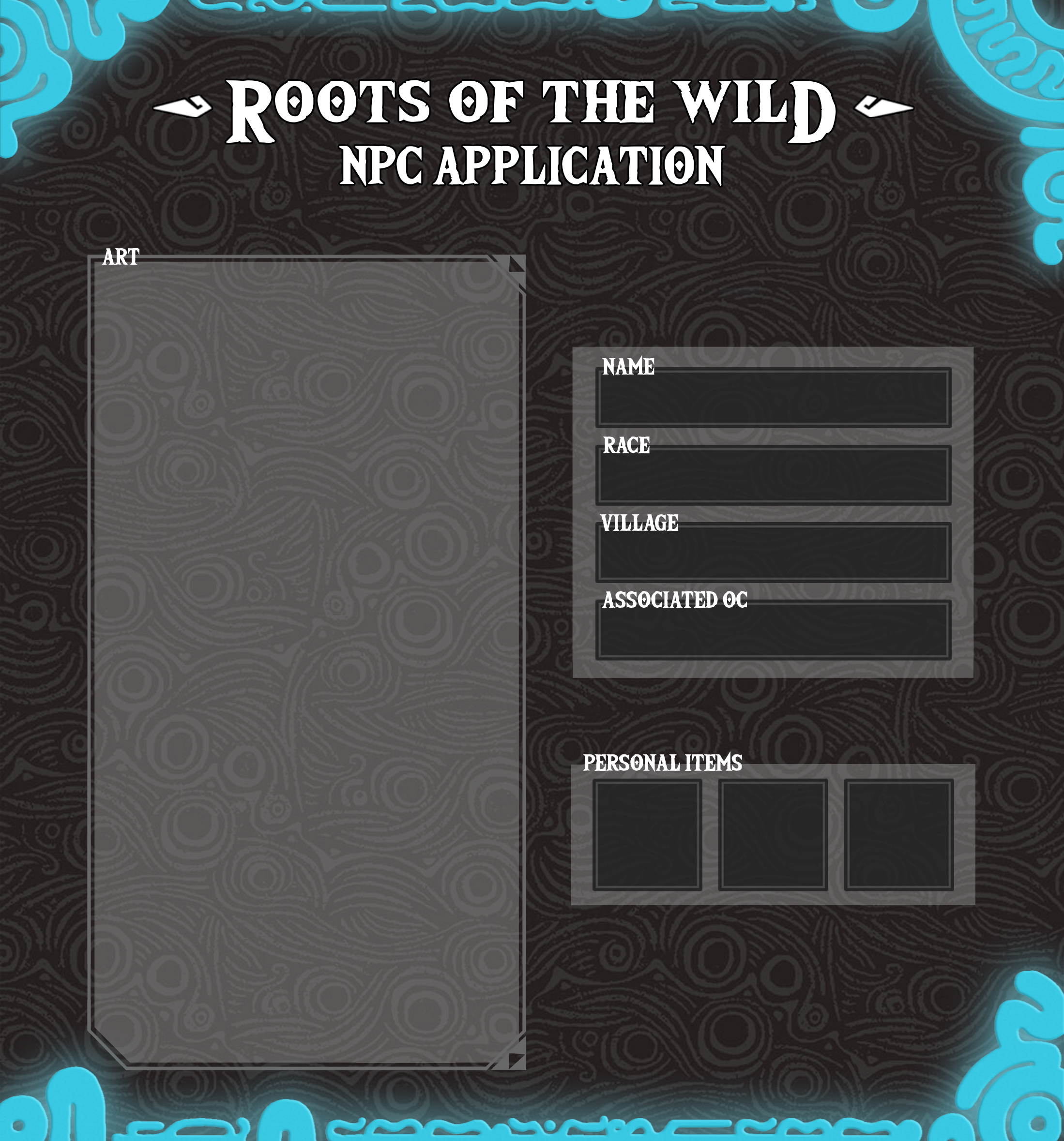
NPC application template
NPC application template — art, basic info, and three personal item slots.Download Template
  • Cannot participate in Quest/Event month activities.
  • Only in non-event RPs if the attached PC is present, in a secondary role.
  • No group mechanics — no weapons/armor, inventory, mounts, or official jobs.
  • No stats; no heart/stamina/magic growth. Cannot travel between villages.
  • Minimal development — don't center RPs or QOTD on them.

NPC Bio Minimum

  • NameAny aliases?
  • Race
  • PersonalityGeneral attitude and temperament.
  • HistoryBasic backstory.
  • ExtrasAnything mods should know?
  • Associated OC & Connectione.g. OCName's Cousin
  • Link to Associated OC's AppOptional